Leica Mode in LMC R18 Explained
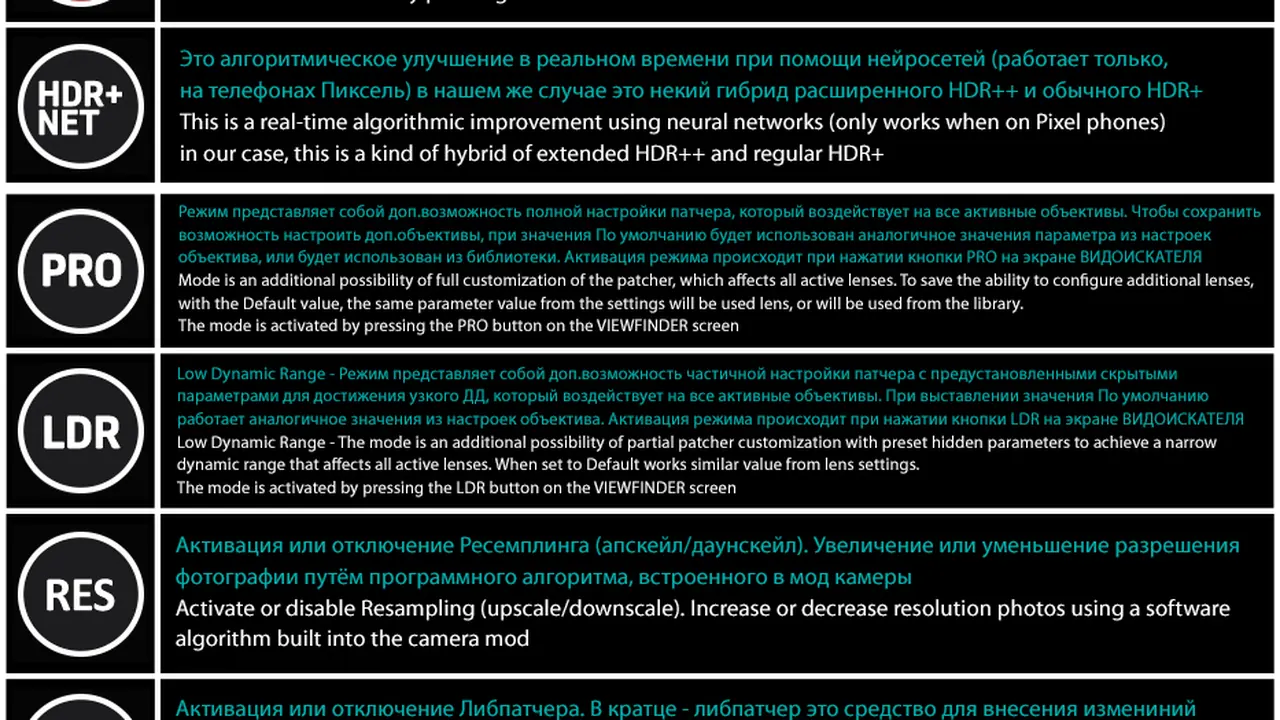

Leica mode in LMC R18 is a vignette mode that darkens the corners of a photo. It is activated by pressing the Leica button on the viewfinder screen, and it changes only the light falloff toward the edges, leaving the centre of the frame untouched.
The effect suits portraits and street photography, where a darker edge pulls the eye to the subject. It suits landscapes poorly, since skies and open scenes lose corner detail for no benefit, and it can look heavy on already dark photos. LMC R18 APK
On this page
When Leica Mode Works
Portraits gain the most, because the vignette frames the face and softens busy backgrounds at the edges. Street scenes with a clear central subject also benefit. The mode is a capture time choice, so shoot the same scene with it on and off once, and compare the two files before deciding it is a keeper for a whole outing. the exposure slider in LMC R18
Combining Leica With Other Modes
Leica mode stacks with the HDR paths and with portrait mode, since it only affects edge brightness. It does not change sharpness, colour or noise handling, so it can be combined with any config without retuning. If the vignette looks too strong, the answer is to shoot without it and add edge darkening later, where the strength can be controlled precisely. portrait settings in LMC R18
Frequently Asked Questions
- What does Leica mode do in LMC R18?
It darkens the corners of the photo, a vignette effect activated from the Leica button on the viewfinder screen.
- Does Leica mode change sharpness or colour?
No. It only affects edge brightness, so it combines with any config and any HDR mode.
- When should I avoid Leica mode?
On landscapes, bright skies and already dark scenes, where the corner darkening costs detail for no benefit.