
LMC R18 XML Configs Explained
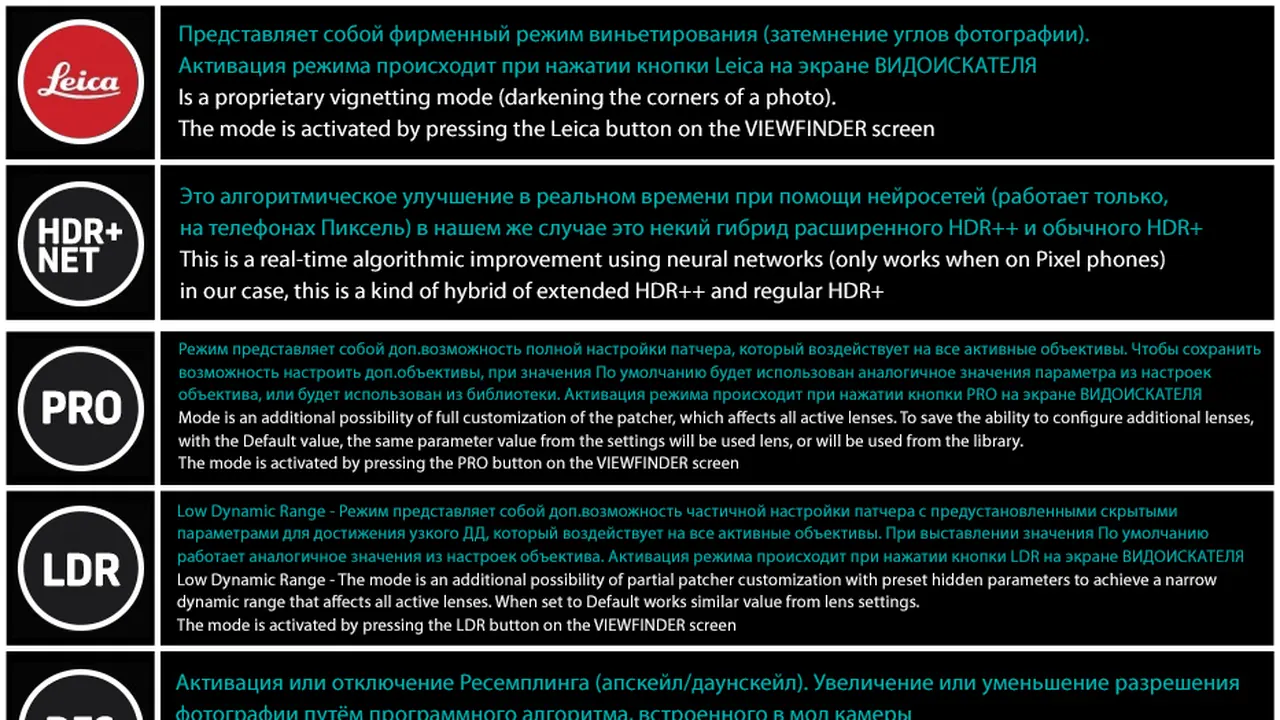
An XML config is a saved settings file for one phone model. It sets the lens IDs, the noise model, the white balance model, the patcher values, the frame counts for each mode and the interface choices the author preferred, so two phones running the same LMC R18 file can shoot very differently.
Configs for this release live on the configs page linked from the release page, and the right one is the file made for the exact model and variant. A config for a neighbouring model may load without complaint and still shoot badly, which is why the exact model matters more than the brand. LMC R18 APK
On this page
What a Config Actually Sets
The config reaches into the parts of the pipeline that the settings menus only partly expose. Lens settings decide which physical lenses appear and how each is processed. The noise model shapes how grain is handled at each ISO. The white balance model, including the Julian auto white balance work, shapes colour under mixed light. The patcher values tune sharpening, saturation and tone mapping per lens.
That depth is also the risk. A config that suits one sensor revision can look soft on another, so the honest test is always the same scene shot with and without the config, in daylight and at night. what changed in R18
How to Load a Config
- Copy the config file into the LMC8.4 folder on internal storage.
- Open LMC R18 and double tap the black area around the shutter button.
- Pick the config from the list and wait for the app to restart.
- Test the main lens, the auxiliary lenses and the front camera before trusting it.
If no config appears in the list, the file is in the wrong folder or has the wrong extension. The folder must be named LMC8.4 and sit on internal storage, and the file must sit directly inside it rather than in a subfolder.
Choosing Between Configs
When several configs exist for one model, pick the one whose author lists the same variant and the same use, daylight or night, and compare them on identical scenes. Keep notes on which config shot which set, since the viewfinder gives no reminder. A config that wins in daylight can lose at night, and keeping two configs for different light is normal practice. backing up LMC R18 configs
Frequently Asked Questions
Where do LMC R18 configs go?
Into the LMC8.4 folder on internal storage. Open the app and double tap the black area around the shutter button to load one.
Can I use an R17 config on R18?
Yes. Configs from previous versions are suitable for R18, and the release keeps compatibility with them.
What if the config list is empty?
The file is in the wrong folder, has the wrong extension, or sits in a subfolder. Move it directly into the LMC8.4 folder on internal storage and try again.