The Exposure Slider in LMC R18
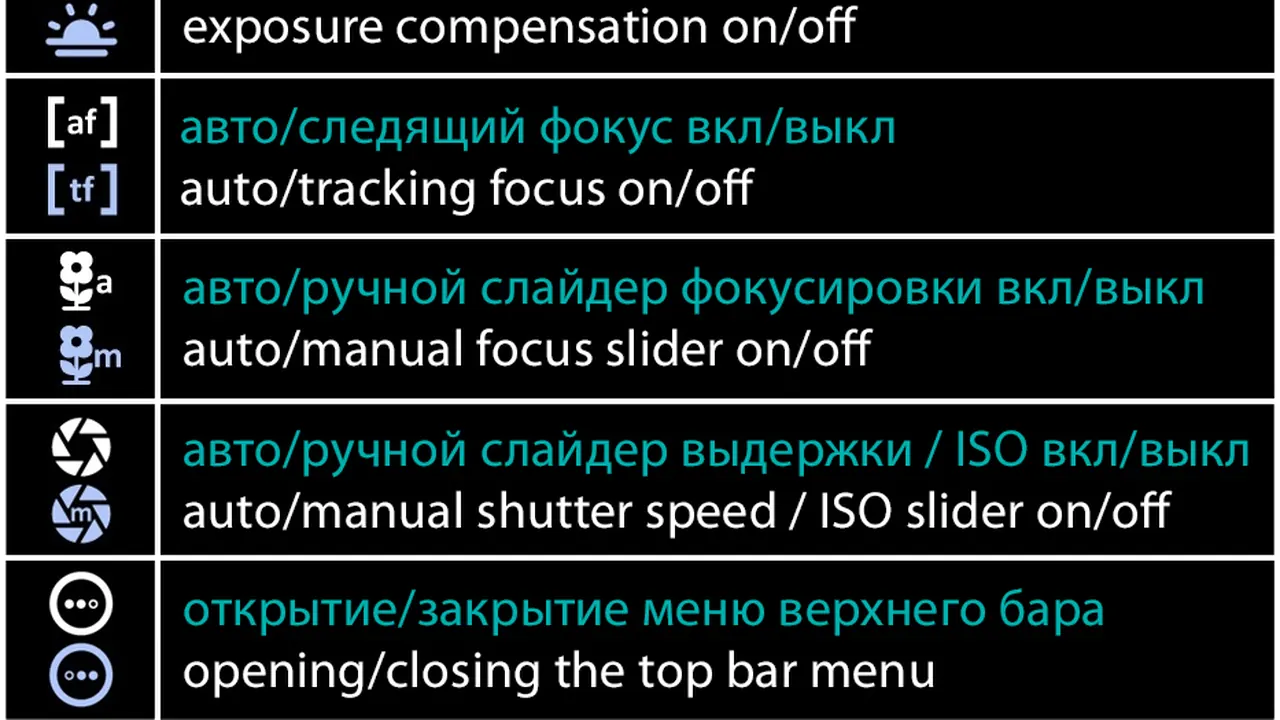

R18 moves exposure compensation to a full height slider on the left side of the screen, in horizontal orientation from below. It is the most reached for control in the whole interface, and the new placement puts it under the thumb instead of buried in a menu.
Exposure compensation tells the camera to aim brighter or darker than its meter suggests. Scenes with bright skies, white walls or dark subjects fool meters in predictable ways, and the slider corrects for that before the shot rather than after. LMC R18 APK download
On this page
Using the Slider Well
Drag down to darken a bright sky or a backlit face, and drag up to lift a dark subject against a bright background. Check the result in the viewfinder, since the live preview shows the change before the shutter is pressed. For HDR scenes, set the exposure for the highlights and let the HDR stack recover the shadows, rather than exposing for the shadows and blowing the sky. all the R18 interface changes
Slider, HDR and Focus
The slider works with every HDR mode, and the frame count long press actions sit nearby on the front camera switch and gallery button. Lock focus on the subject first with a tap, then adjust the slider, since refocusing after the adjustment can reset the meter on some devices. In video the slider behaves the same way, so set it before recording starts. HDR modes in LMC R18
Frequently Asked Questions
- Where is the exposure slider in R18?
On the left side of the screen at full height, and from below in horizontal orientation.
- Should I expose for highlights or shadows?
For highlights in HDR scenes. The HDR stack recovers shadows far better than it recovers blown highlights.
- Does the slider work in video?
Yes. Set it before recording starts, since changing it mid clip can show a visible brightness step.