Portrait Mode Settings in LMC R18
Portrait mode in LMC R18 uses the Google Camera portrait pipeline, with depth estimation and background blur tuned by the config. The result depends on the lens used, the distance to the subject, and the patcher values for that lens, so a config that nails daylight landscapes can still struggle with hair edges.
Test portrait mode on a person, not a plant. Hair, glasses and busy backgrounds expose edge errors fast, while a clean wall hides them. Shoot at the distance the config expects, usually one to two metres, and keep the background simple while learning the mode. LMC R18 APK
On this page
Settings Worth Checking
- Front and rear lens patcher values, since portrait tuning differs per lens.
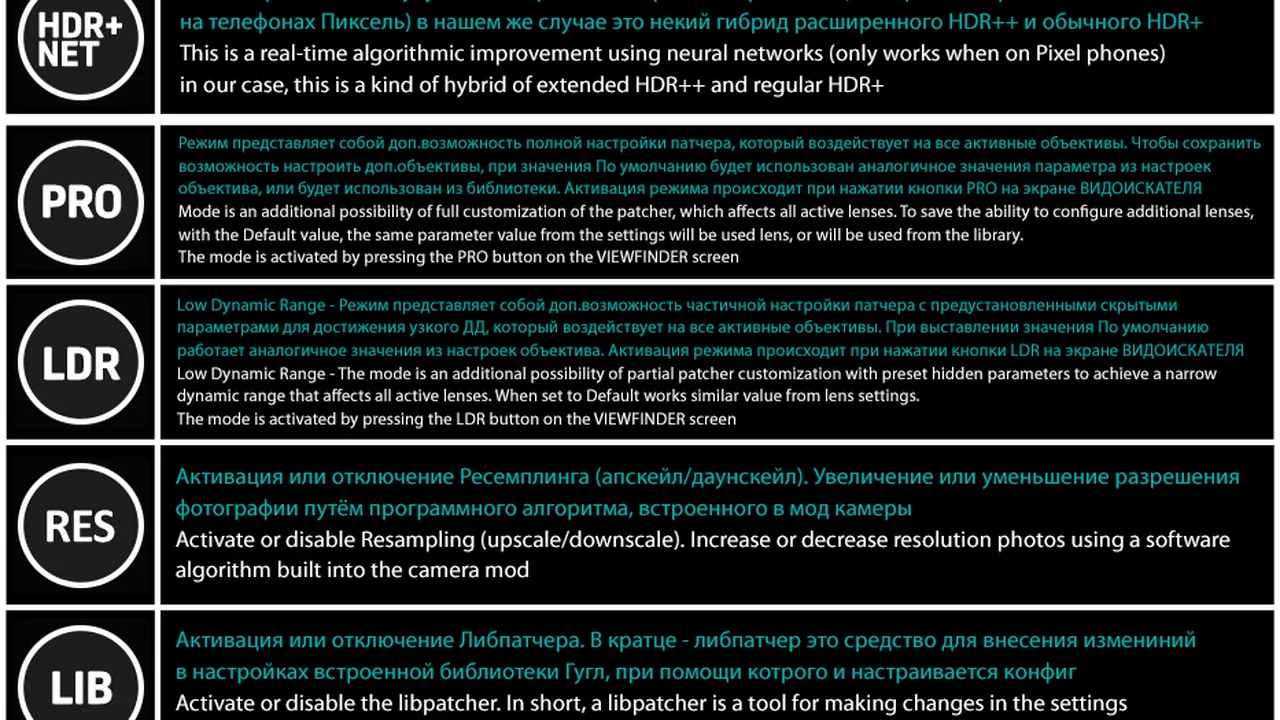
- HDR mode during portraits, since HDR Plus Enhanced can soften skin if the config overdoes it.
- Face detection settings, which must be on for the pipeline to find the subject.
- The Leica vignette, which can flatter portraits but should be a deliberate choice.
Fixing Edge Problems
Ragged edges around hair usually mean the config depth values do not suit the lens. Try another config for the exact model before changing settings by hand. If edges improve in bright light but fail indoors, the problem is light level, not the config, and a brighter scene or a different HDR mode is the fix. Leica mode in LMC R18
Frequently Asked Questions
- Why do portrait edges look rough in LMC R18?
Usually the config depth values do not suit the lens, or the light is too low. Try another config for the exact model and test in brighter light.
- Does portrait mode need a config?
It works without one, but the depth and blur tuning in a good config makes the difference between usable and ragged edges.
- Which lens suits portraits in LMC R18?
The main lens at one to two metres. Telephoto lenses can work where the config supports them, but the main lens is the safe default.